
General Announcements
- If you’re an H5P or a Creator+ with H5P customer, you can stay up to date with the latest improvements and features by visiting H5P News.
- The streamlined group assignment creation workflow was introduced in February 2026/20.26.02. The legacy group assignment creation page, previously scheduled for retirement in June 2027/20.27.06, is now scheduled for retirement in December 2026/20.26.12. A dropdown on the legacy page prompts users to try the new experience and displays the updated retirement timeline.
- D2L is continuing to unlist outdated Brightspace Tutorial videos that no longer reflect the current interface and workflows. Updated tutorial videos are embedded in the documentation to align with the latest features. To review the list of added, unlisted, and removed videos, refer to the article: Brightspace Tutorial Video Updates: Added, Unlisted, Removed.
- This release adds autosave every minute to Written Response quiz questions that use the HTML Editor. Previously, autosave every minute was available only for Written Response questions that did not use the HTML Editor.
- To improve the accessibility experience for screen reader users, the Confirm Dialog now uses the native HTML dialog element. When a Confirm Dialog opens, the focus is now placed on the dialog title to ensure information is read in the correct order.
Improved usability of Help text dialogs | Update
This update improves Help text dialogs in Avenue to Learn.
Help text dialogs appear when users click question mark icons in forms.
Previously, these dialogs did not automatically resize to fit the screen, which could hide content or action buttons and prevent users from accessing information, closing dialogs, or manually resizing the dialog.
Help text dialogs now automatically resize to fit the screen, ensuring all content and actions remain visible and accessible. Dialogs now display a scrollbar when content exceeds the available space, allowing users to scroll through the full text and access all controls.
Before improvement:
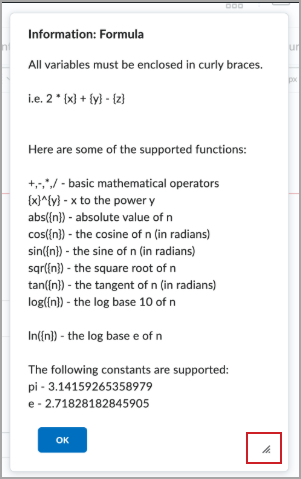
Figure: The previous help dialog can only be resized using the highlighted control.
After improvement:
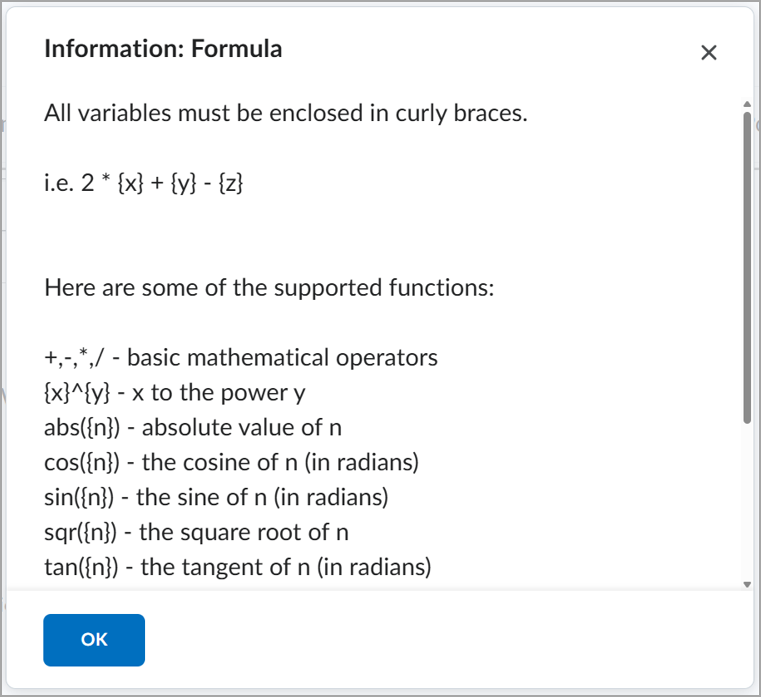
Figure: The improved help dialog adapts to the available screen size while preserving access to all content through scrolling.
Discussions
Turned the default option to OFF, for whether an original message text is automatically included in a Reply by users. Users can change this setting on the Discussions Settings page. This applies to new users only – any users that had this option set to ON previously, will still have it set to on.
Content – Default border removed from embedded LTI activities | Updated
To create a cleaner and more seamless visual experience for embedded learning activities, Avenue to Learn no longer displays the default gray border around Learning Tools Interoperability (LTI) activities on Content pages. This update applies to both newly added and existing LTI activities, including H5P content. Removing the border improves visual consistency across platforms and better aligns interactive content with the modern Avenue to Learn experience, reducing the need for custom styling or workarounds by course authors.
 |
Note: This update only affects the visual appearance of the activity border. The way instructors add, launch, and interact with LTI activities remains unchanged, and there is no impact on activity functionality or accessibility. |
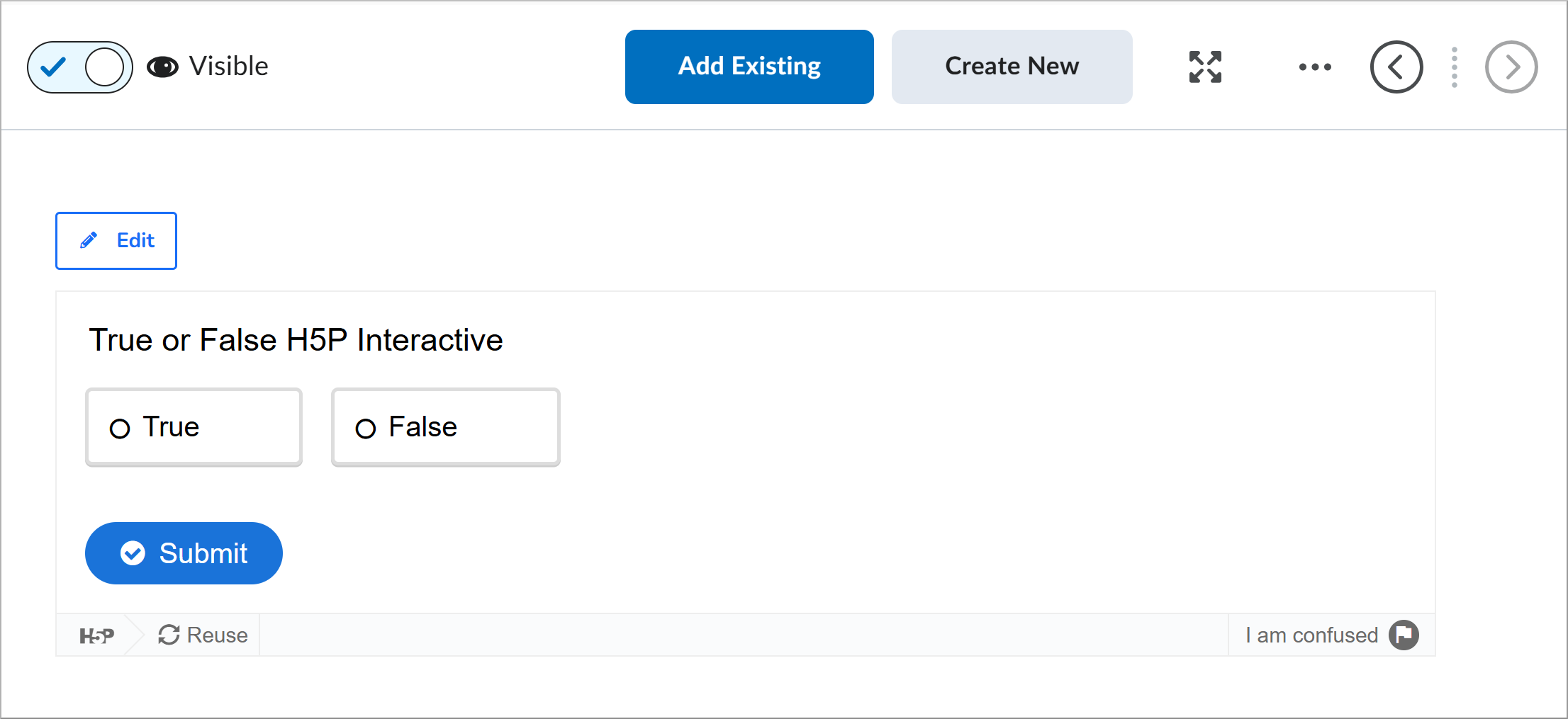
Figure: An embedded LTI activity displayed in Content without the default gray border.
Groups – Increased limit for groups per category (200 to 1000) | Updated
Categories that allow instructors to specify the number of groups now support up to 1,000 groups. Single-user, member-specific enrollment type groups also support up to 1,000 groups per category.
This update makes it easier to create larger group sets in high-enrollment courses.
The 1000-group limit applies to all group creation methods and cannot be exceeded. This includes creating groups on the Manage Groups page, creating groups using the API, and automatically creating groups when enrollment capacity increases.
Previously, instructors could create up to 200 groups per category.
This feature implements the following PIE items:
- D888 (Ability to create more than 200 groups in one Group Category)
- D6824 (Max number of groups per category)
This update is planned to deploy on 07/16/2026 21:00:00ET