
General Announcements From D2L
- As part of D2L’s ongoing commitment to accessibility, we partnered with an external auditor to conduct our annual review of Brightspace and Pulse against Web Content Accessibility Guidelines (WCAG) standards. Based on audit findings and internal expertise, we implemented a wide range of accessibility and usability improvements across learner, instructor, administrator, and media workflows. These updates enhance support for assistive technologies by improving semantics, focus behavior, contrast, text spacing and reflow, and overall navigation. Where changes were not feasible, known limitations and recommended workarounds are documented in our public Accessibility Reports.
- D2L is continuing to unlist outdated Brightspace Tutorial videos that no longer reflect the current interface and workflows. Updated tutorial videos are embedded in the documentation to align with the latest features. To review the list of added, unlisted, and removed videos, refer to the article: Brightspace Tutorial Video Updates: Added, Unlisted, Removed.
Announcements – Images appear in emailed Announcement notifications | Updated
When instructors create an announcement (or administrators create a global announcement) which includes in-line images, any instant notification or emailed copy of that announcement now includes those images in the body of the email. Previously, only images added as file attachments to the announcement were included with the notification email, and in-line images were not shown.
 |
Note:This update applies only to images. Videos embedded in announcements are not included in emailed announcement notifications. |
This change ensures that learners who rely on email notifications can see the same visual content that appears in the original announcement, helping them notice important information that may have previously been missed when images were omitted from the email version.
This feature implements the following PIE items:
- D7210 (Images in announcements do not appear in the email-version of the notification)
- D12152 (Permit images to be sent in an email notification for an announcement)
- D7939 (Include images in Brightspace-generated email of Announcements – partial release; videos are not included)
Assignments, Quick Eval – Improved usability for assistive technology users | Updated
As part of D2L’s ongoing commitment to accessibility and inclusive design, with this release, we have made several updates to enhance the experience for users relying on assistive technologies.
- The Submissions page in Assignments: The dropdown menus for submissions, feedback, and results per page now include accessible labels. Previously, these menus only had titles, which some screen readers could miss. This change ensures that all users can access and understand these controls.
- The Submissions view in Quick Eval: The number of search results returned is now read aloud by assistive technology, making it easier for users to understand the scope of their results.
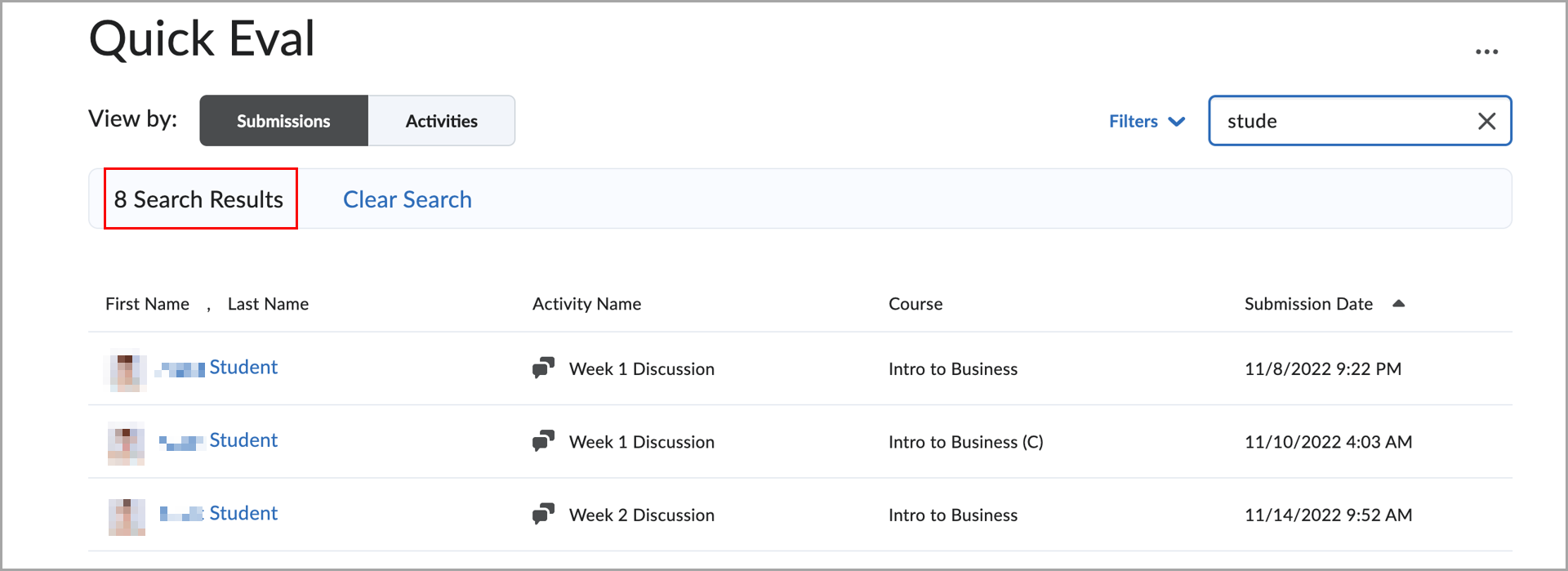
Figure: Quick Eval interface displaying filtered submission results, with the number of returned results now read aloud. - The Activities view in Quick Eval: The status messages that show the number of search results are now accessible to screen readers, improving clarity and usability for all users.
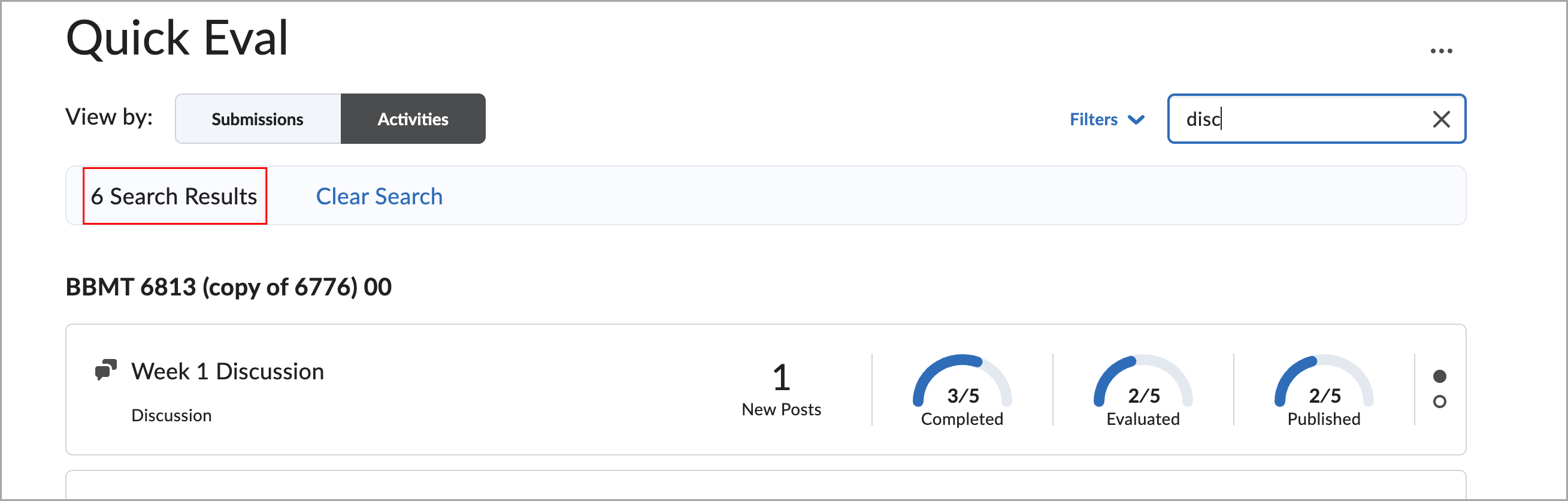
Figure: Quick Eval interface showing filtered activity results based on a search query, with the number of returned results now read aloud.